Add / Manage Red Teaming Users
Manage user accounts responsible for performing manual red teaming tasks.
Key Features
- Add and delete red teaming users
- Edit user account information
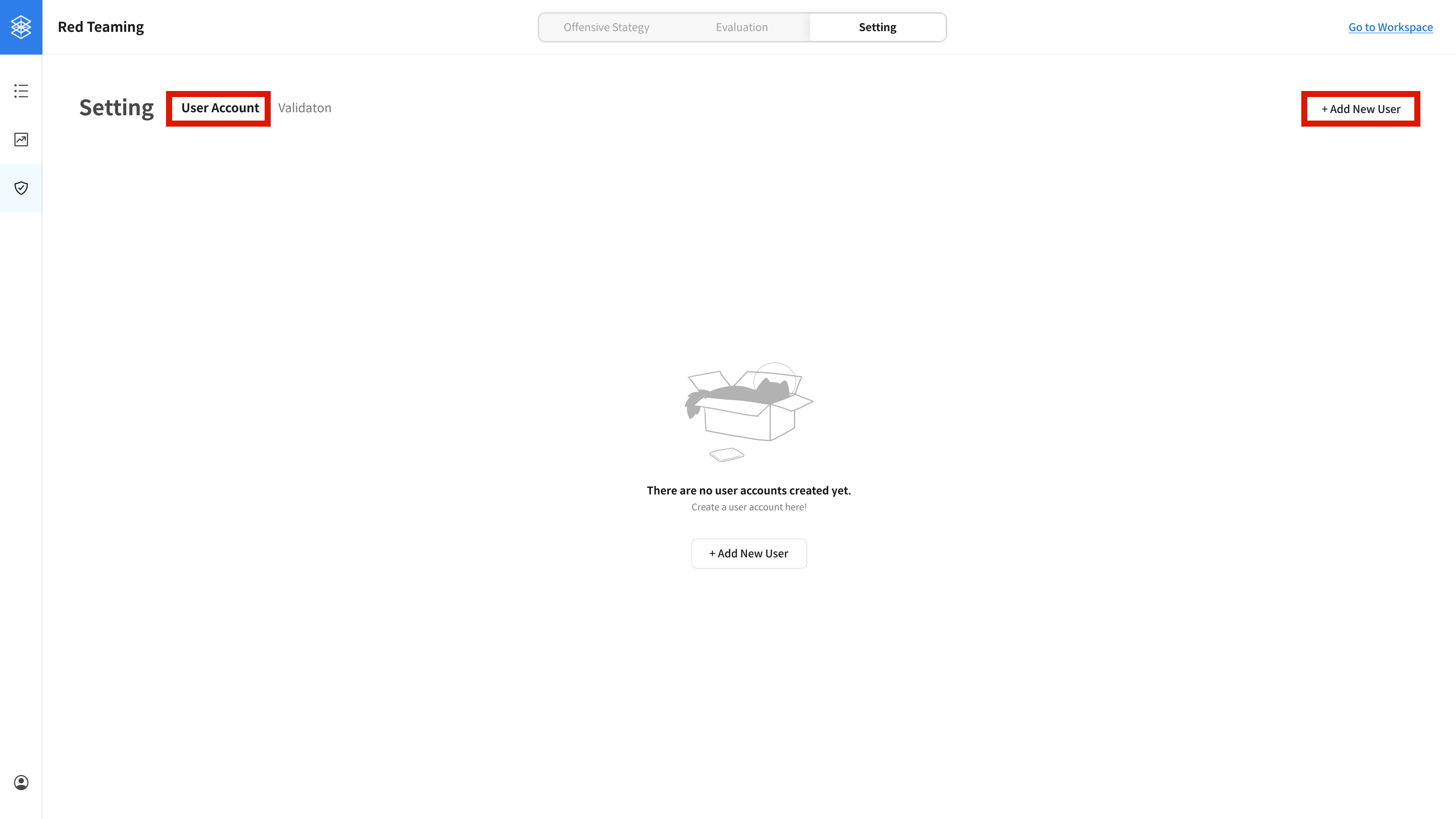
① Navigate to User Creation Page
You can create new user accounts on this page.
Go to Settings → User Account, then click the Add New User button at the top right.
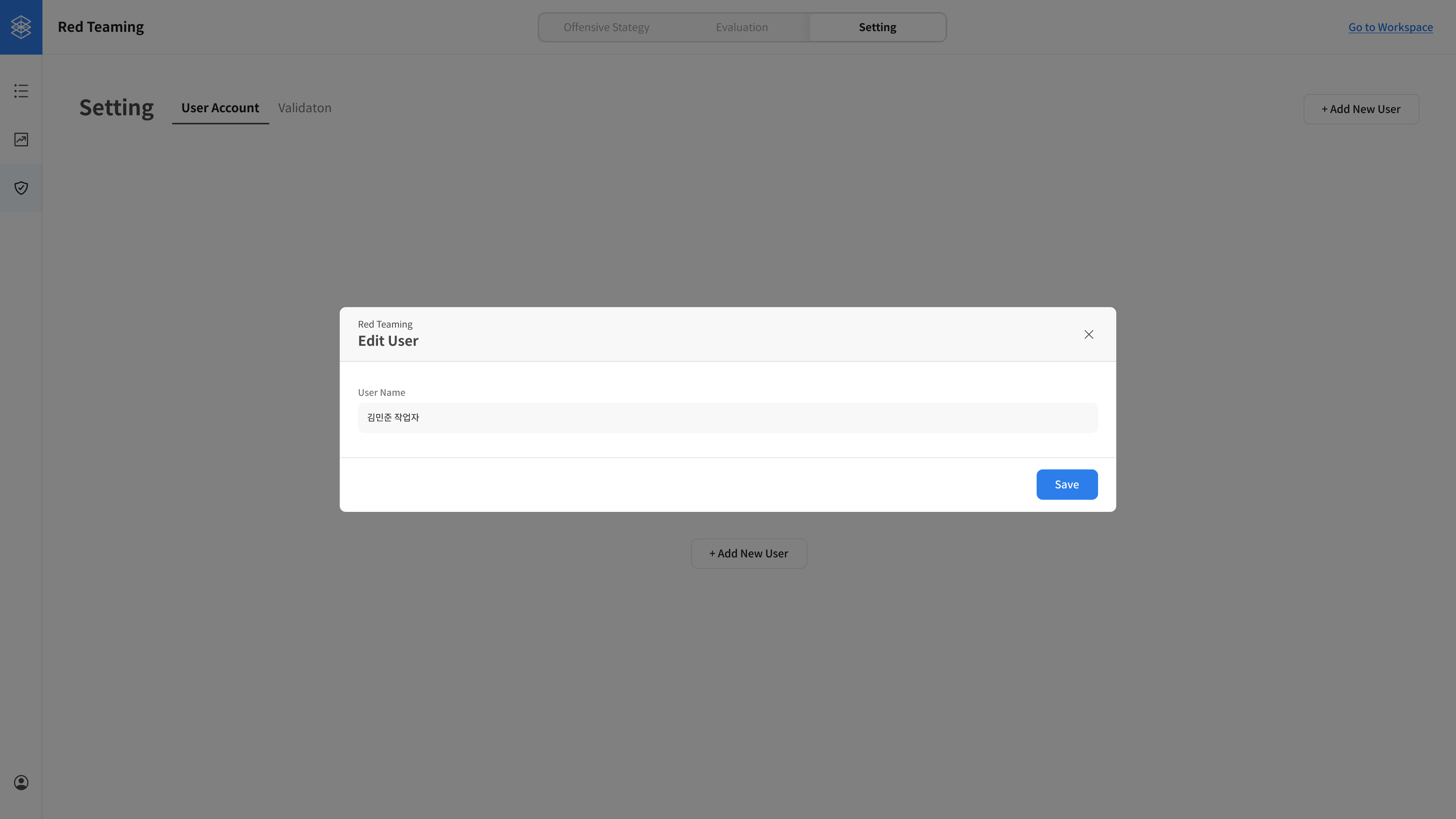
② Enter User Information
Enter the name of the user you want to create.
③ View Created User List
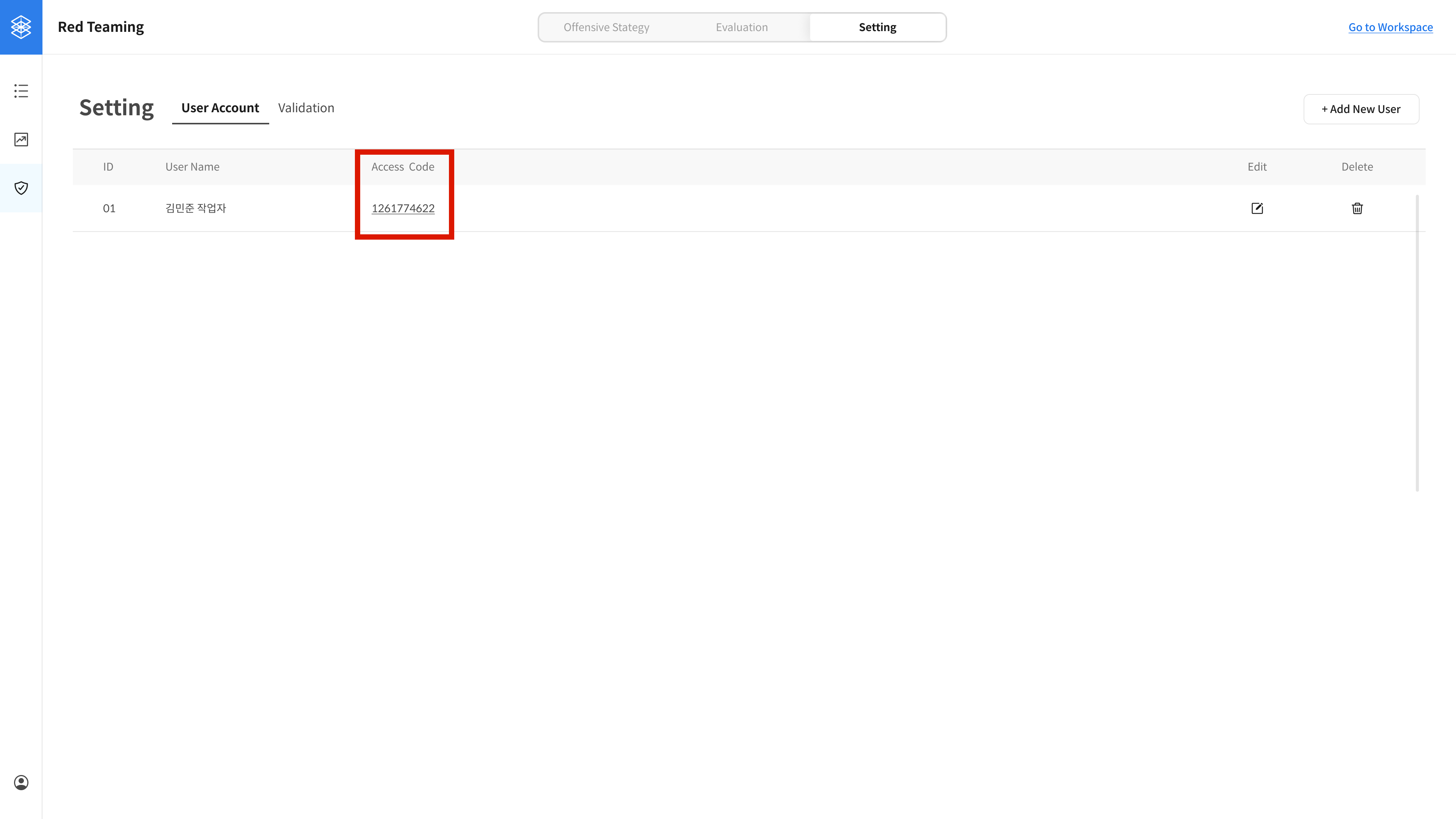
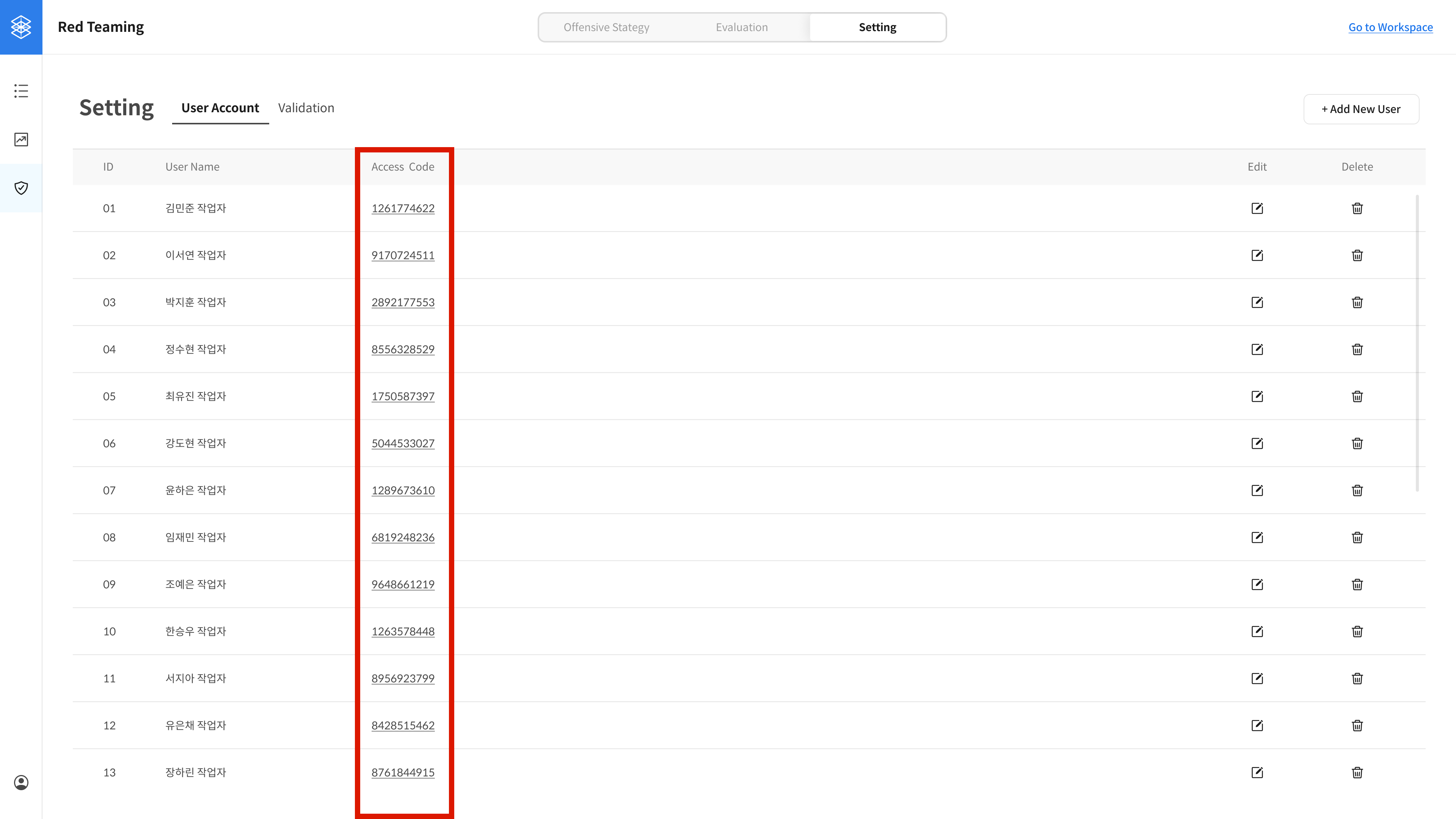
When a user is created, an Access Code is automatically generated.
Each user can use their assigned Access Code to log into the red teaming work interface.